Subject teacher
Grades and absences only for your classes
- See only your assigned classes and subjects
- Record assessments and attendance from the same record
- Follow every student’s averages and history
- View the class timetable on any device
Your class gradebook, without paperwork or access to data you do not need.
Teachers quickly add grades and absences only for their assigned subjects. Homeroom teachers follow the whole class, while school leaders control access and activity.
The school sets access, and each teacher finds exactly the classes, subjects and tools they need.
Subject teacher
Homeroom teacher
School leader and administration
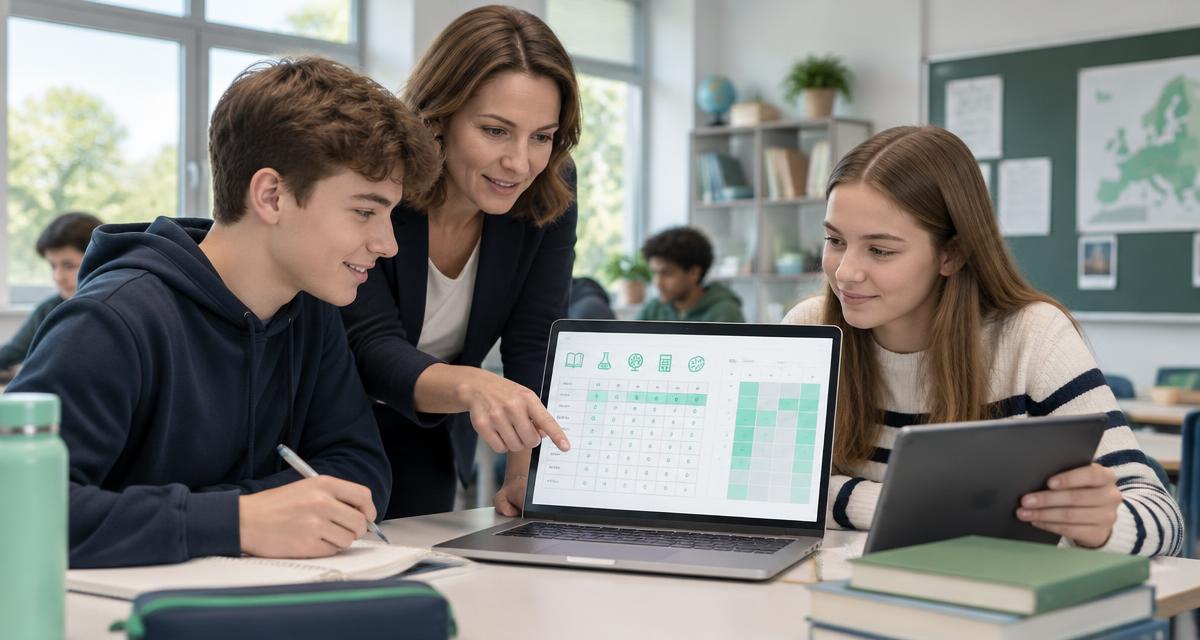
From a teacher’s lesson to the homeroom teacher’s full overview, every workflow stays connected and controlled.
Teachers go straight to assigned classes and subjects and update student records.
Subject and overall averages provide a quick view of class progress.
A manual class timetable or one imported from the school website, available to teachers, students and parents.
Student records, absence excuses, conduct and approvals are easy to follow.
Homeroom teachers and parents communicate per student in a clear thread with retained history.
In-app, web push and email notifications for important events.
Each teacher can view and edit only the area set by the school.
Complete student reports, prepared quickly and shared through private links.
Old and new values show exactly who changed a grade, absence or note.
Less time searching for information, more time for school. Connect an MCP-compatible AI assistant to consult the school calendar and class structure your account is allowed to access.
Ask your assistant about study periods and holidays. The current school year's calendar provides context for planning your activities.
The assistant can consult class names and levels allowed for your account, without receiving student identities or teachers' personal data.
Connecting requires sign-in and your approval. Every operation checks for an active account and assigned roles, and access respects the school and existing permissions.
Manual timetables with PDF fallback, parent–homeroom teacher communication, scholarships, absence requests, official textbooks and an interface in three languages: useful tools in one place, complemented by AI integration with controlled access.
The interface and permissions automatically adapt to each user’s responsibilities.
Bring the gradebook to your school, set staff access and retain control of activity.
Add grades and absences only for your classes and subjects, without irrelevant lists or information.
See the whole class, excuse absences, manage conduct, parent access and family conversations.
View grades, absences, averages and the class timetable on phone or computer.
The platform follows the way the school already works, without parallel paperwork or unnecessarily broad access.
Adds classes, subjects and staff, then defines access rights.
They go straight to assigned classes and subjects to add grades or absences.
They centralise records, excuse absences and communicate with parents.
Students and parents view records and timetables and receive relevant alerts.
Access is role-based, parent–student links are validated, and important changes are retained in the log.
The platform groups in-app notifications and sends browser or email alerts, including absence summaries.
The parent receives a summary of their child’s situation.
The teacher receives the details needed to activate the account.
The school’s decision is immediately visible in the account.
Tell us about your class or school. We will show you exactly how access can be organised and how to get started.
Already have an account? Go straight to the platform. Parent? Request access using the details held by the school.
I want this for my school